

NEW – Oodles Creates: AI Video
Short video clips that are specific to your client’s brief, generated in minutes from a photo or a prompt. Oodles AI video lets you create cinematic, social-ready clips right inside the Nettl System. No stock subscriptions, no specialist editing skills needed to get started.
Generate short AI video clips directly inside the Nettl System.
Static images are great. But motion moves you more.
A website hero that gently animates. A social clip that stops the scroll. A product in motion, looking cinematic and considered.
Until now, that kind of content meant stock video subscriptions, editing software, or briefing someone who knows what they’re doing. Not anymore.
Oodles AI video is here
You can now generate short video clips directly inside the Nettl System. Same place you already create images. No new tools, no new logins.
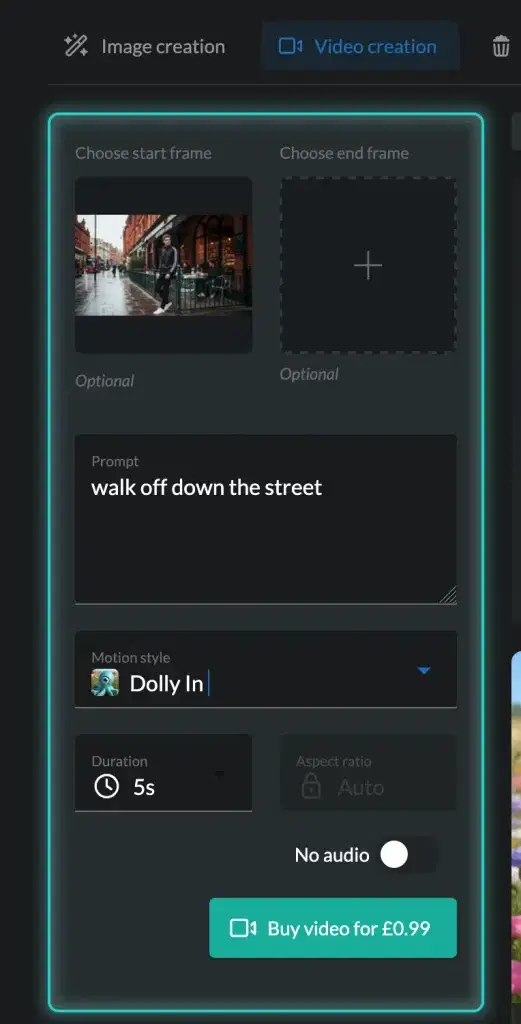
Start with a text prompt or an image, choose your movement, and download a polished 5 or 10 second clip ready to use on a website, social media, or in your ads.
How it works
Text to video. Describe the scene you want and Oodles generates a clip from scratch. Good for quick turnarounds when you don’t have source material to work with.
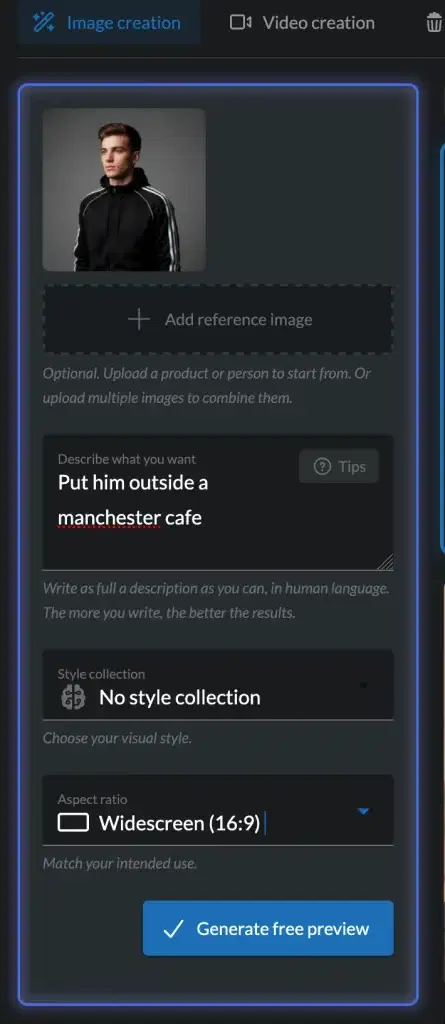
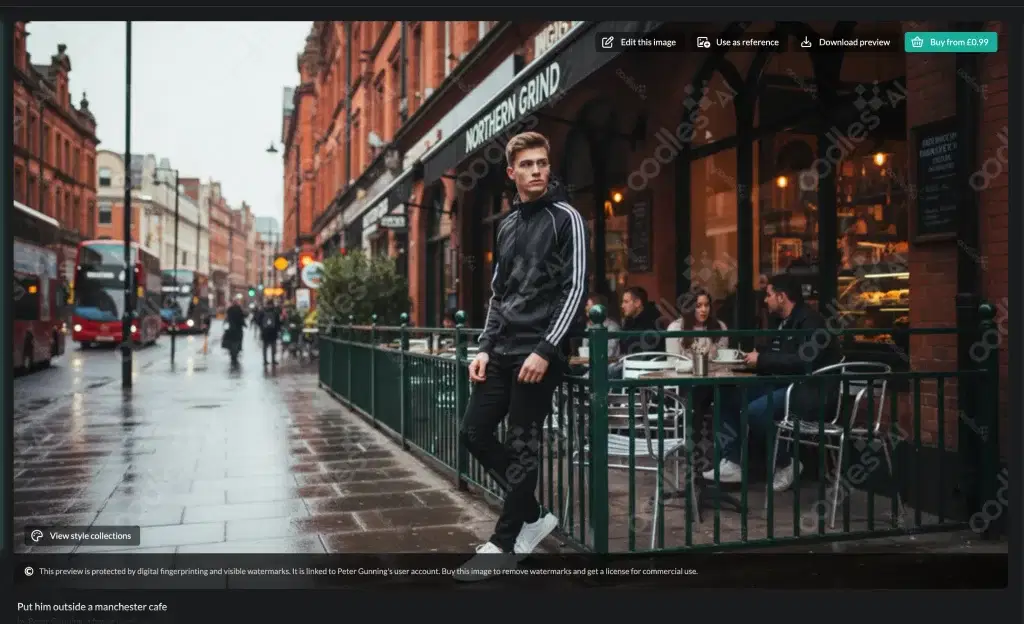
Image to video. For better results, upload a start frame. That could be a product photo, a lifestyle shot, or an image you’ve already generated with Oodles AI. Then tell it how you want it to move.
Start and end frames. Upload both a start and an end frame and Oodles animates the in-between. Useful when you need precise control over where a clip begins and ends.
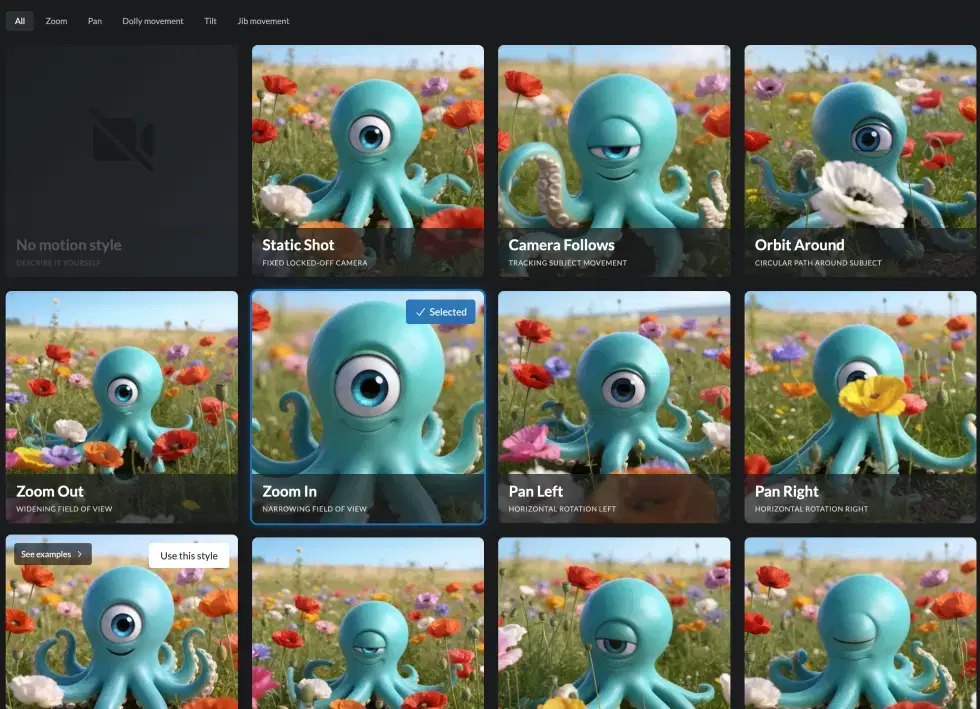
Camera motion presets. There are 20 pre-built camera movement styles to choose from. Pan, push, orbit, pull back — pick the one that fits the shot, no cinematography knowledge required.
Style collections. The same style collections available for images work here too. Apply a cinematic, animated, or illustrative style to give your clips a consistent, intentional finish.
What this means in practice
If you currently buy stock video, this is worth a proper look. You can generate clips that are specific to a client’s product or scene rather than hunting for something that’s almost right.
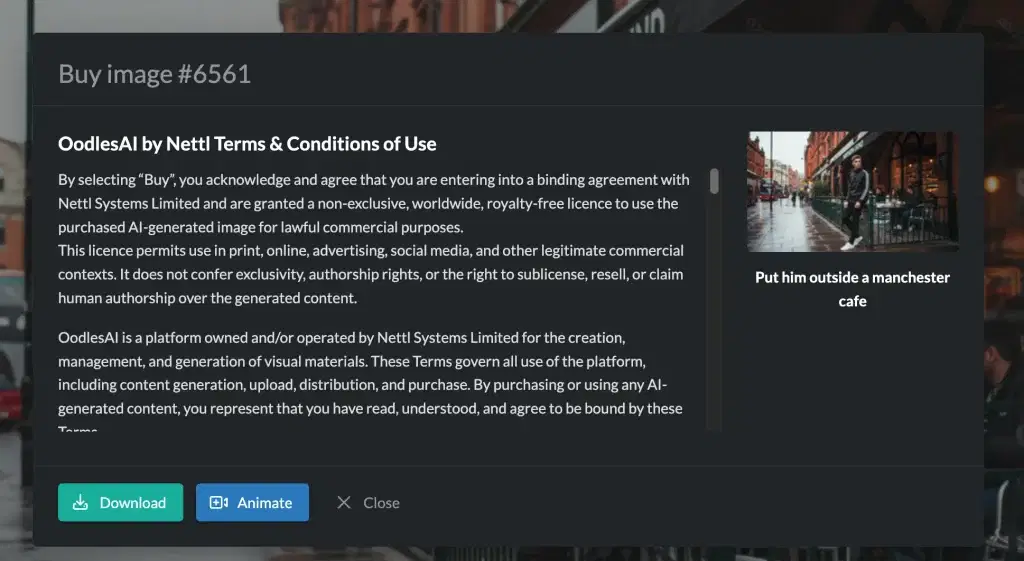
And because it works hand in hand with Oodles AI image generation, the workflow is natural. Create an image, animate it, download the clip, and drop it into Premiere Pro or CapCut to put it all together.
Where to find it
The ability to create video is baked int your Nettl System subscription.
Head to the Oodles AI and Stock Images inside the Nettl System. Video generation sits alongside the existing image tools.
Generate a test clip and see what’s possible.