

Create Customers with Oodles
Paste an email signature or upload a business card and Oodles creates the customer record for you, duplicate check included.
Adding a customer is now a copy and paste job
A new customer record means a name, a company, a job title, an email, a phone number, an address and a website. Until last month, you typed every one of them.
Now Oodles does it.
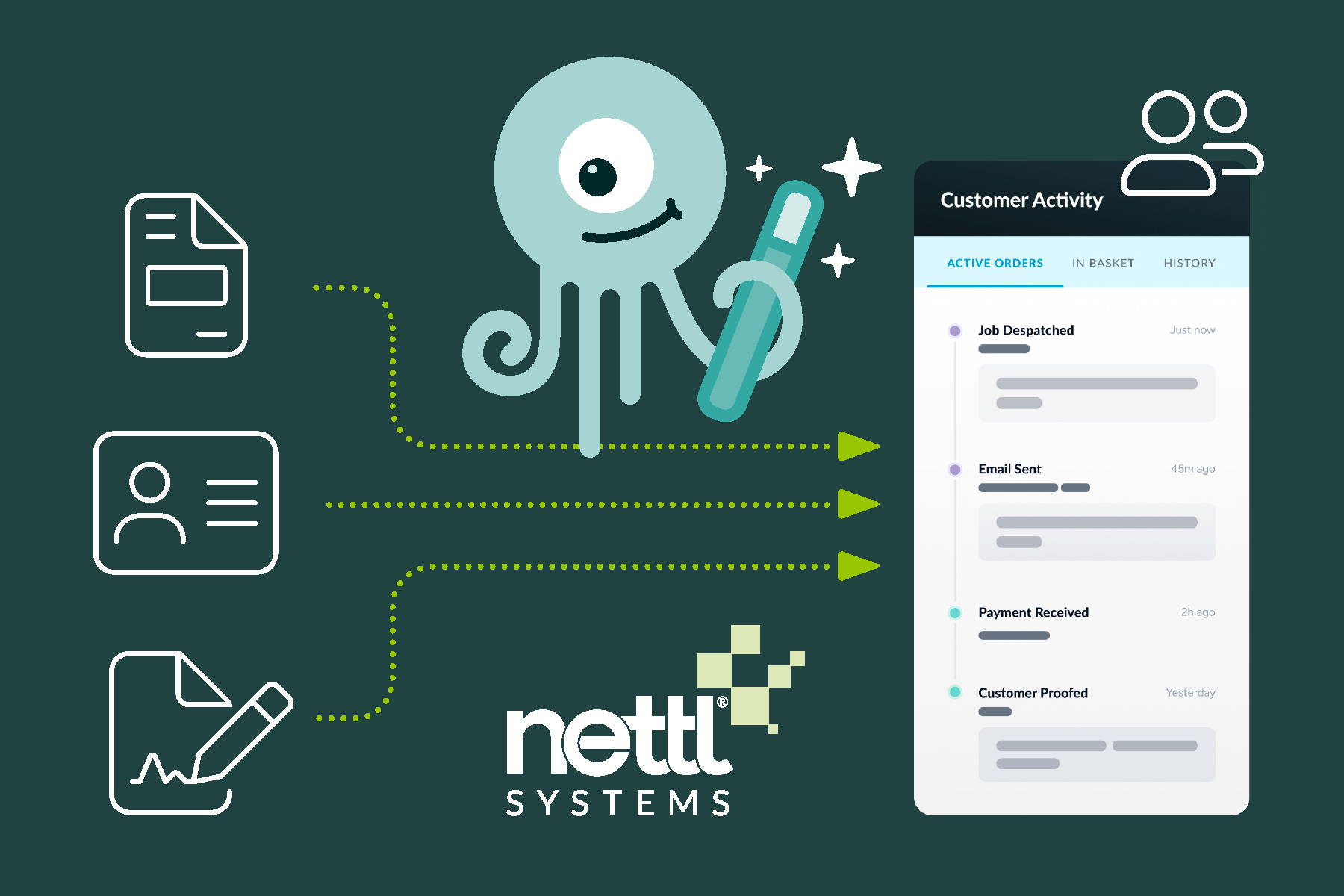
Paste the email signature
Someone emails you asking for a quote. Their details are sitting at the bottom of the message. Copy the signature, paste it into the Oodles box on the new customer screen, and Oodles fills in the fields. Name in the name field. Phone number in the phone field. Website where the website goes.
You don’t need to touch the form unless you want to.
Photograph the business card
Came back from an event with a pocket full of cards? Take a photo of each one and upload it. Oodles reads the card and fills in the record the same way. PDFs work too, so a scanned card or a contact sheet is fair game.
No more three versions of the same client
Before you save, Oodles checks whether that person or business is already in the system. If there’s a match, you’ll know about it. You can ignore the warning if you really do want a second record. Your call.
That one check saves a lot of untangling later. Duplicate records split a client’s order history in two, and then nobody can tell what they actually spend with you.
Do it from any screen
You don’t have to go to the customer screen at all. Paste the details or upload the file into Oodles on the side, from wherever you are in the system. Oodles looks for matches, then creates the new contact if you tell it to.
The customer search got faster, too. It’s quicker, and you can still filter by customer segment and bulk edit customers from the same place.
Try it
It’s easy – just ask Oodles. Not a Nettl subscriber yet?
Book a demo and we’ll show you the same time-saving workflows.